
Table Of Contents
Philippine players rely on GCash and Maya for instant 1xBet payments. It is important to navigate the 1xBet app checkout interface without getting lost in the menu and causing delays with verification. This guide describes how to manage your account in the 1xBet mobile app when depositing funds or withdrawing winnings in PHP.
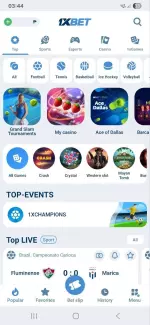
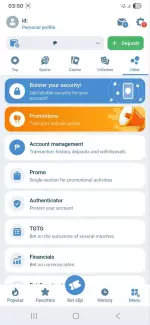
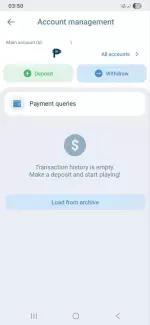
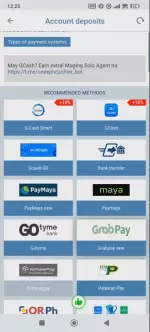
App Navigation Map (Where Everything Is)
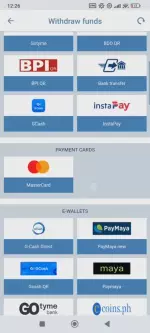
Open the 1xBet app and look at the bottom navigation bar. Your money management hub is the "Menu" icon in the rightmost position. Tap it, then choose “Account Management”, you will see "Deposit" with a green plus icon and "Withdraw" with a blue minus icon. These are your only two cashier entry points.
Transaction history lives in this location too. Each transaction shows a reference number, timestamp, amount, method, and status (screenshotting these details helps when contacting support).
Tap any completed transaction to get receipts and proof of payment. The 1xbet mobile app generates a digital receipt showing the transaction ID, processing time, and confirmation code. Save these to your phone's gallery because 1xBet's PH support team often requests them when investigating delayed payments or bonus crediting issues.
1xBet App Deposit Guide (Step-by-Step)
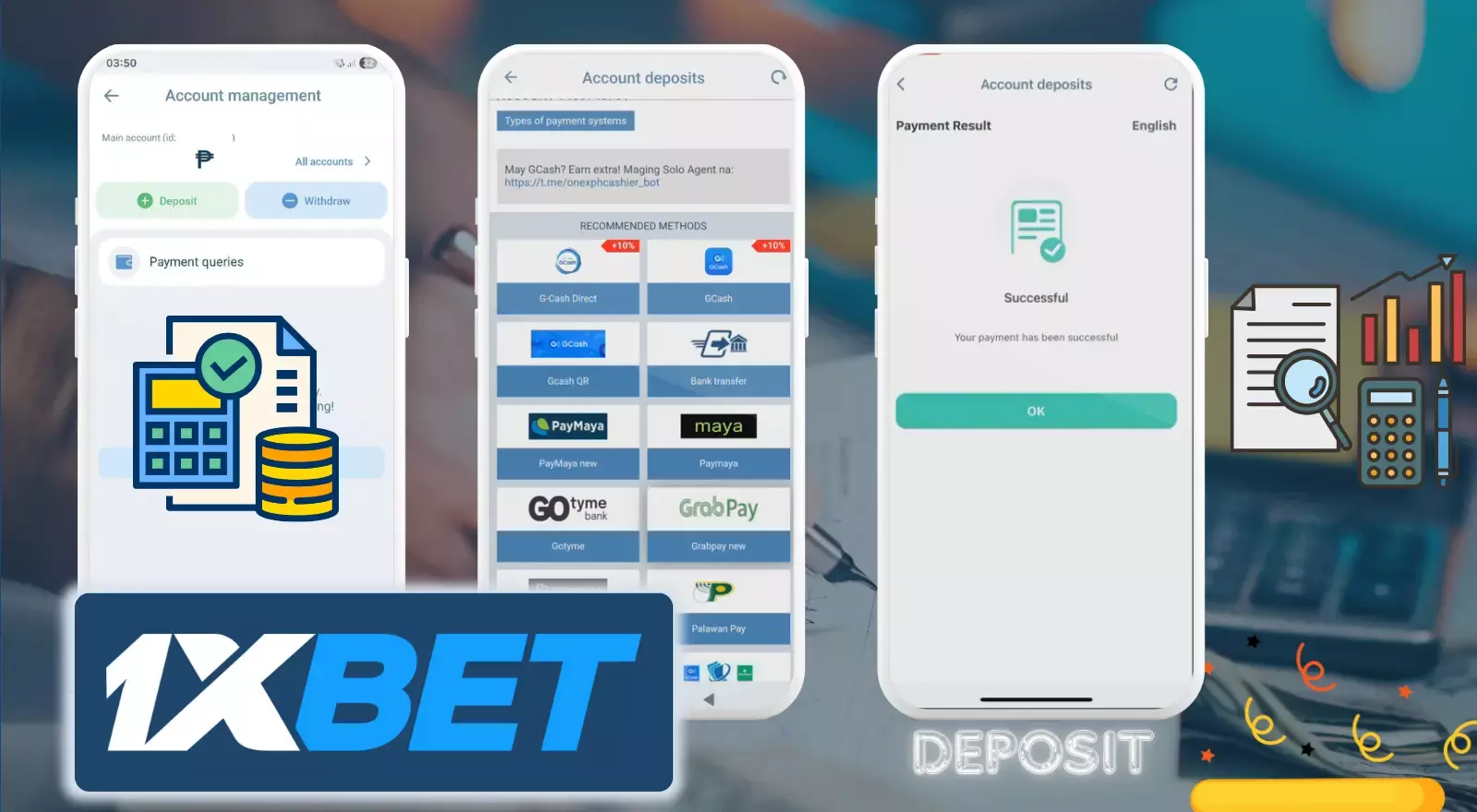
- Step 1 - Open Deposit.
Open the 1xBet app → tap Menu → Account Managing → Deposit. Scroll to E-wallets and choose GCash or Maya. - Step 2 - Enter Amount
Type how much you want to deposit. Check the limits: min - ₱100, max - ₱500,000. Make sure the currency shows PHP. If you have a 1xbet promo code, enter it now (not later). - Step 3 - Confirm Payment
Tap Deposit. You'll be redirected to your GCash/Maya app. Approve using PIN or biometrics. Don't close the app while paying. - Step 4 - Save Proof
After payment, you go back to 1xBet. You'll see a confirmation screen with a reference number. Take a screenshot as proof. - Step 5 - Check Balance
Funds usually arrive instantly (30 seconds). Sometimes up to 5 minutes during busy hours. If delayed, check Transaction History first.
1xBet App Withdrawal Guide (Step-by-Step)
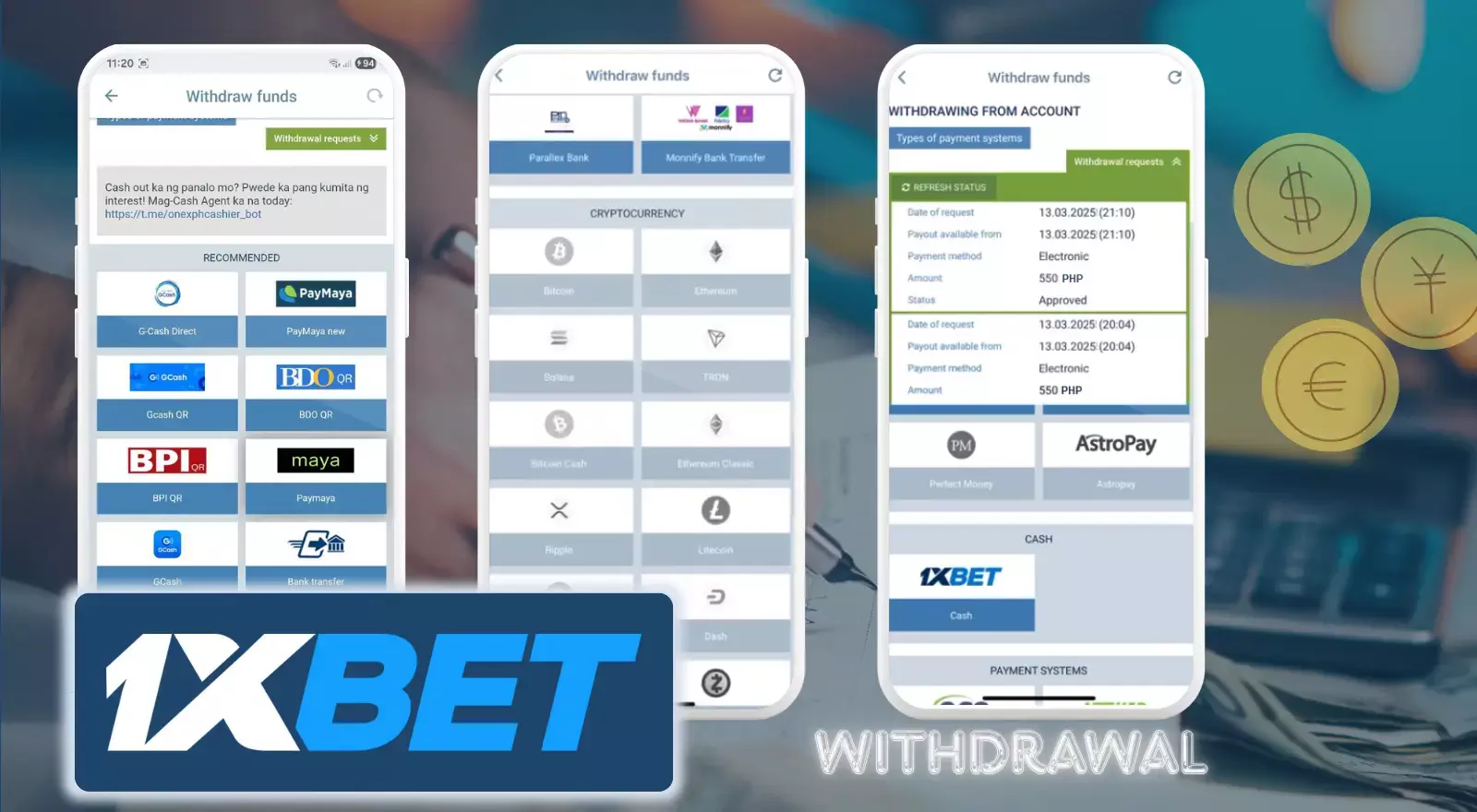
- Step 1 - Open Withdraw.
Open the 1xBet application → tap Menu → Account Managing → Withdraw. Choose GCash or Maya. - Step 2 - Add Your Details (first time only)
Enter your mobile number or account number. Make sure it exactly matches your verified ID and e-wallet account. Even small mistakes can delay your money. - Step 3 - Enter Amount
Type how much you want to withdraw. Limits: min - ₱500, max: up to ₱1,000,000. Check your available balance (1xbet bonus funds may be locked). - Step 4 - Confirm Request
Tap Request Withdrawal. Enter your 1xBet password (not your wallet PIN). Submit. - Step 5 - Track Status
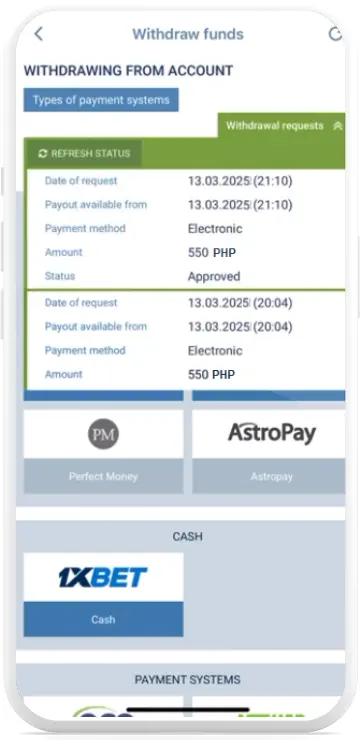
Go to Transaction History → Withdrawals. You'll see:- Pending - under review
- Processing - sending to wallet
- Completed - money received
- Declined - details or KYC issue.
- Step 6 - Wait for Money
Typical time for e-wallets is from 15 minutes to a few hours. First withdrawal may take longer. If delayed, check KYC verification or email from 1xBet.
Common App Issues And Fixes
Payment page not loading
The cashier screen freezes or shows a "Connection Error" message even though your internet works fine. This happens when 1xBet's payment gateway experiences server congestion, especially during major sporting events when thousands of Filipino users deposit simultaneously.
Fix
Force-close the app (swipe up from recent apps and dismiss 1xBet). Clear the app cache by going to your phone's Settings → Apps → 1xBet → Storage → Clear Cache.
Reopen the app and try again. If the problem persists, switch from WiFi to mobile data or the other way around (sometimes Philippine internet providers limit connection speeds to gambling sites).
Try to use the web version through your mobile browser as a temporary workaround. The cashier functionality is identical, and transactions sync across platforms.
Wrong method or currency shown
You tap Deposit but only see Bitcoin and bank transfers (no GCash or Maya). Or the amounts displayed in USD instead of PHP. This occurs when the app caches an incorrect region setting (after traveling or using a VPN).
Fix
out completely (Account → Settings → Logout). Before logging back in, check your phone's system language is set to "English (Philippines)" or "Filipino". Some Android devices default to "English (United States)" which triggers USD mode.
Also verify location services are enabled for the 1xBet app - the app uses this to show region-specific methods.
Tap your profile icon, go to Settings → Personal Info → Currency, and manually select PHP. The app refreshes the cashier with Philippine methods. This setting is permanent until you change it again.
Transaction not appearing
You completed a GCash deposit, received a deduction SMS from GCash, but the 1xBet app shows zero transaction history and your balance didn't increase. Panic sets in: did the money vanish?
Fix
First, wait 10 full minutes. The app's Transaction History sometimes lags behind the actual database update. Pull down on the History screen to manually refresh. Look for the circular loading animation.
If still missing, check your GCash transaction history for the exact reference number and timestamp. Screenshot it. Then contact 1xBet support through the app's live chat (Menu → Customer Support → Chat).
Provide transaction date and time, amount, reference number, and GCash screenshot. Support can locate "ghost transactions" in their backend system and manually credit your account within 24 hours.
KYC on Mobile
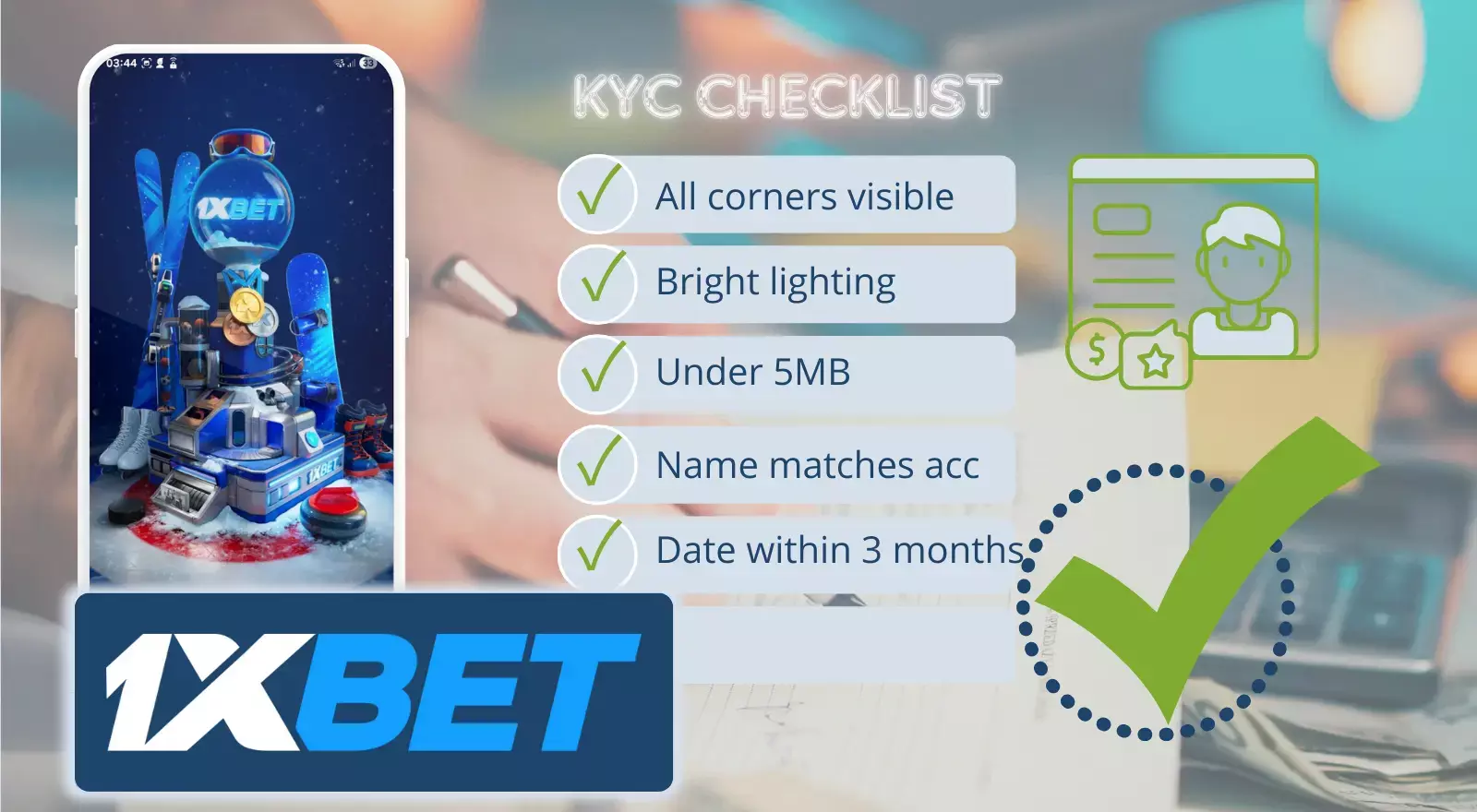
Every 1xBet user must verify their identity before withdrawing over ₱10,000 total. The app's verification system is pickier than most Philippine e-wallets, rejecting blurry photos or mismatched names.
- When the app prompts "Verification Required", tap the notification. You'll reach the Account → Verify Documents section.
- Upload a government-issued ID (passport, driver's license, or Phil-ID). Hold your phone directly above the document in bright natural light (avoid flash creates glare that obscures text).
- The ID photo must show all four corners of the document. Many Filipino users make the mistake of cropping too tight, cutting off edges. Leave a small margin of background visible. File size under 5MB (JPG or PNG only).
- For proof of address, a recent utility bill (electric, water, or internet) showing your name and address works. The date must be within the last 3 months. Bills from load wallets or GCash statements don't count. 1xBet requires traditional utility providers.
1xBet account name must exactly match your ID.
Contact support via live chat before uploading to update your account name. This avoids the 48-hour rejection-resubmission loop.
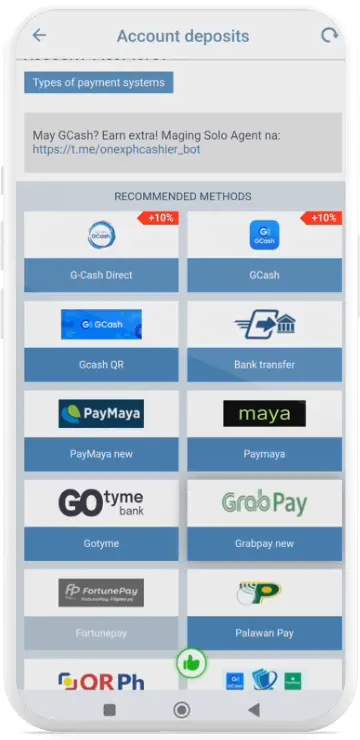
PH Methods Comparison (Mobile POV)
Not all Philippine payment methods process at the same speed or share the same limits. GCash dominates for instant deposits but caps daily withdrawals at ₱50,000.
Maya allows ₱100,000 daily withdrawals but charges a ₱15 processing fee on amounts under ₱1,000.
| Method | Deposit Speed | Withdrawal Speed | Min Deposit | Max Deposit | Min Withdrawal | Max Withdrawal | Fees |
|---|---|---|---|---|---|---|---|
| GCash | Instant | 30 min-6 hours | ₱100 | 500,000 | ₱500 | ₱50,000/day | Free |
| Maya | Instant | 1-12 hours | ₱100 | ₱500,000 | ₱500 | ₱100,000/day | ₱15 if <₱1,000 |
| Bank Transfer | 1-3 days | 1-5 days | ₱500 | ₱2,000,000 | ₱1,000 | ₱500,000/day | Varies by bank |
| Crypto (USDT) | 10-30 min | 30 min-2 hours | ₱100 | Unlimited | ₱1,000 | ₱1,000,000/day | Network fees |
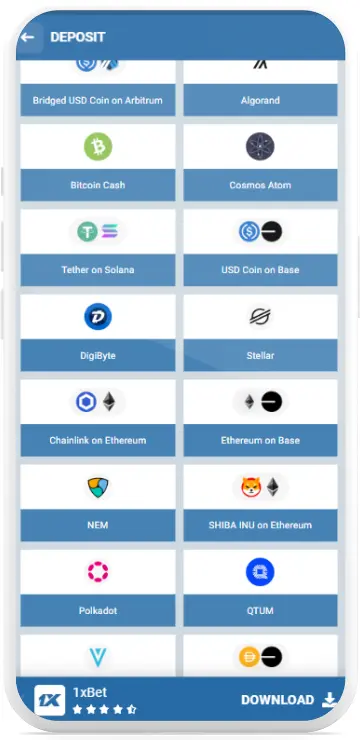
Check the app's cashier for real-time limits. These figures change during promotional periods or network maintenance. During major events like Manny Pacquiao fights, e-wallet limits sometimes increase by 50% to handle traffic surges.

FAQ
Why does my deposit show "Pending" for over an hour?
GCash and Maya deposits should be instant. Pending status beyond 30 minutes usually means 1xBet's payment processor is verifying the transaction. Check your e-wallet: if the money was deducted, screenshot it and contact live chat with your reference number.
Can I deposit using someone else's GCash account?
No. 1xBet's security system automatically flags third-party deposits. The e-wallet account name must match your verified 1xBet account name, or your withdrawal privileges get suspended until you provide proof of ownership.
What's the fastest way to withdraw to GCash?
Complete KYC verification before your first withdrawal. Verified accounts with withdrawal history process in 30 minutes to 2 hours. Unverified accounts face 24-72 hour manual reviews that delay every withdrawal.
Does 1xBet charge withdrawal fees?
No, 1xBet doesn't charge fees for GCash or Maya withdrawals. But your e-wallet provider might charge receiving fees (GCash is free, Maya charges ₱15 for transactions under ₱1,000).
Why can't I withdraw my full balance?
Active bonuses lock funds until you meet wagering requirements. You can only withdraw the "Available for Withdrawal" figure shown in your main balance.
Can I change my withdrawal method after submitting?
No. Withdrawals can't be edited or cancelled. If you entered wrong details, wait for it to be declined (usually within 24 hours), then submit a new request with corrected information.